

Crowdin で多言語デザインを作成できる Figma 翻訳プラグイン
Crowdin の Figma プラグインで、UI をローカライズし、ビジュアルを翻訳できます。
Crowdin の Figma ローカライズプラグインを選ぶ理由は?
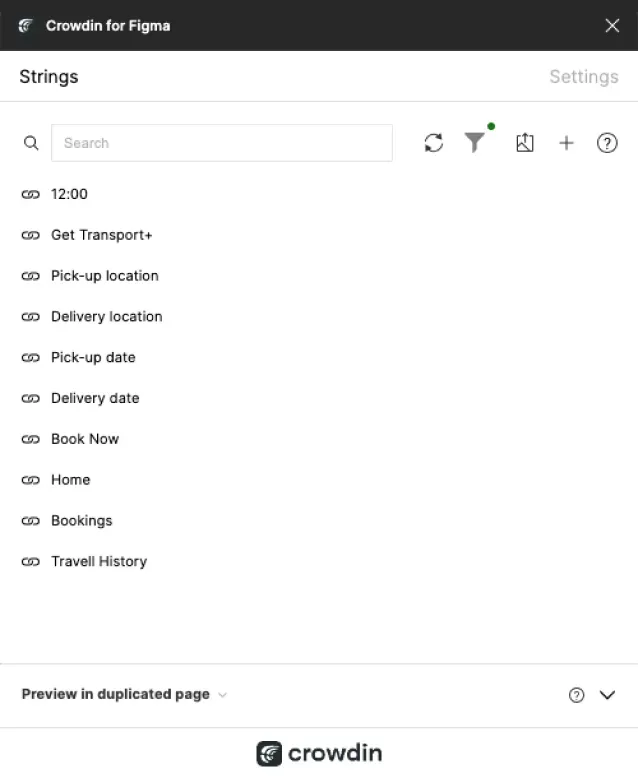
シンプルなローカライズ
Figma 内で直接、テキスト抽出と翻訳を自動化できます。
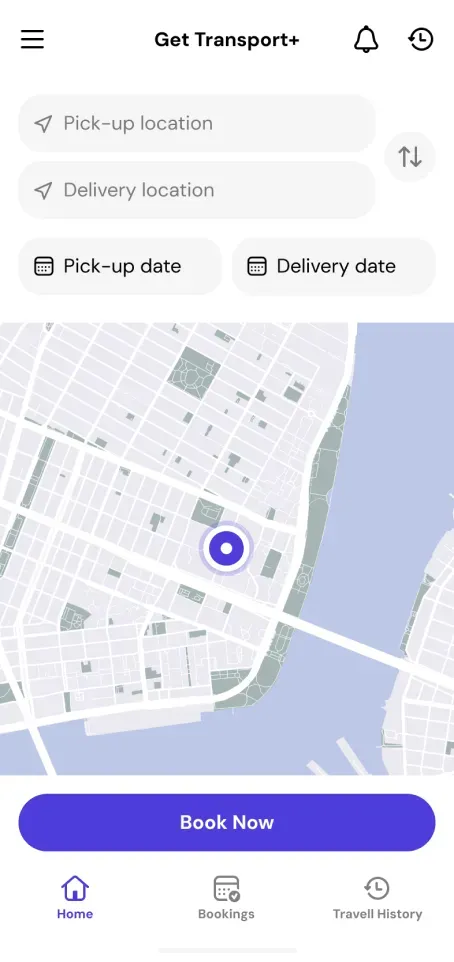
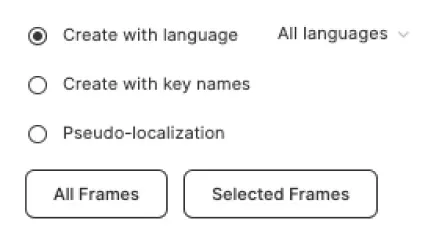
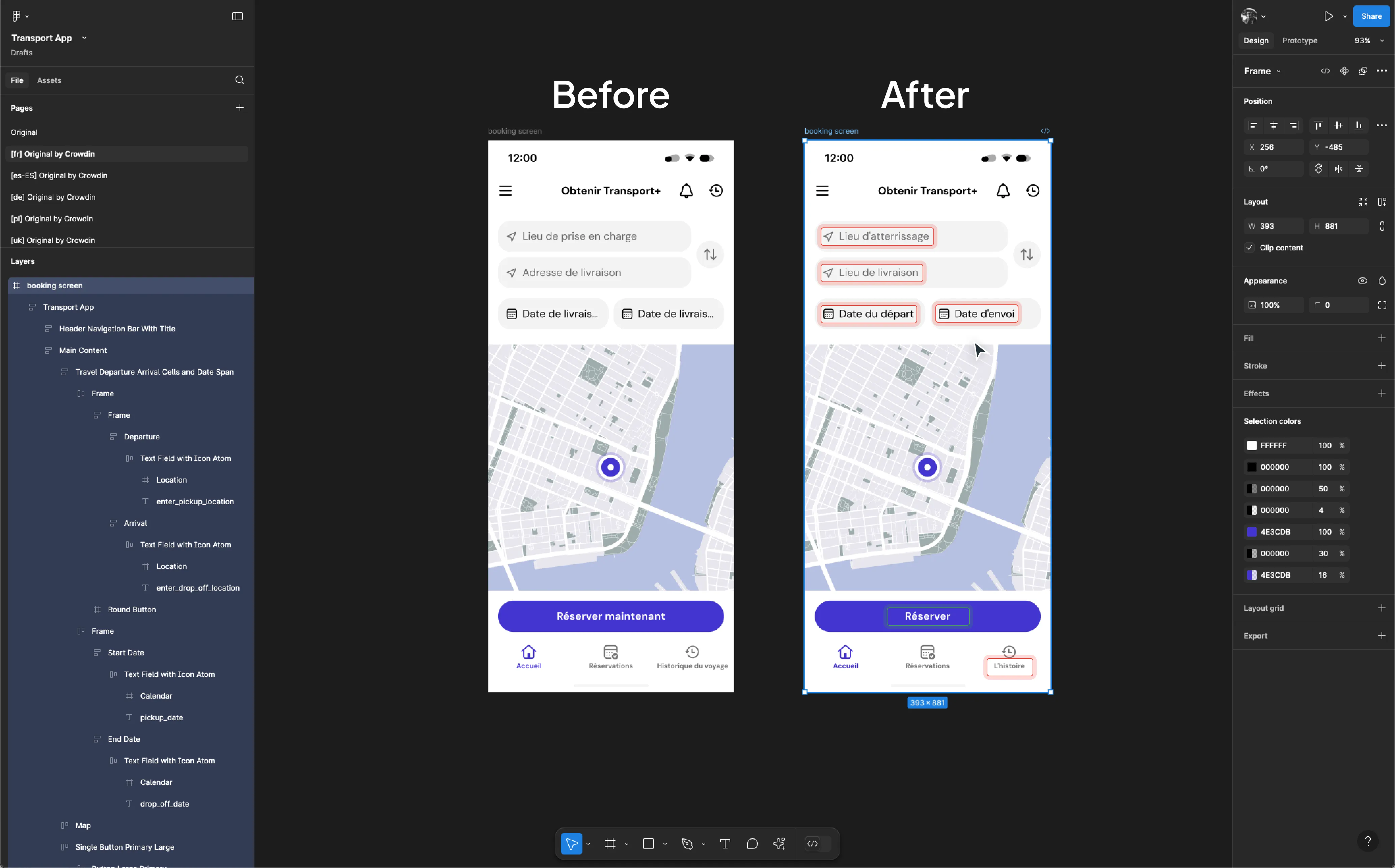
即時プレビュー
デザイン内で翻訳をリアルタイムに確認できます。
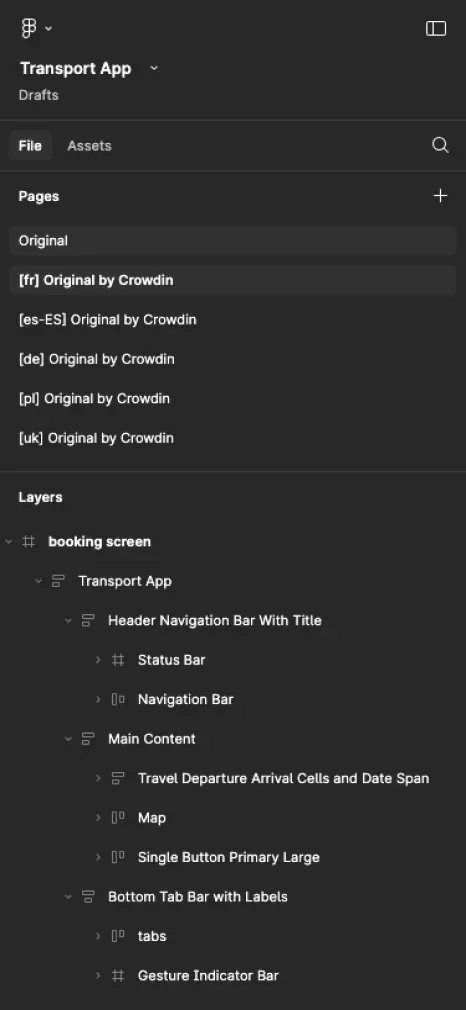
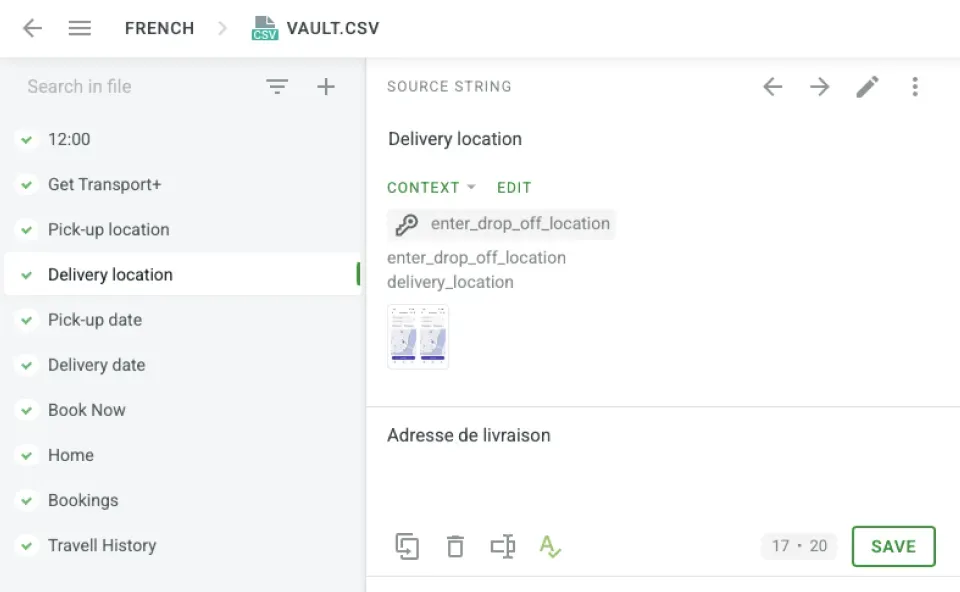
説明に基づく翻訳
精度を高めるために、翻訳者へデザインプレビューを提供できます。

Figma プラグインの使い方ガイドを読む
主なメリット
時間を節約
ワークフローを自動化し、手作業を削減できます。
シームレスに共同作業
デザイナー、開発者、言語担当者がスムーズに共同作業できます。
多言語デザインをテスト
Figma で複数の言語のデザインをプレビューできます。
レイアウトを最適化
確定前に、言語ごとにレイアウトを調整できます。
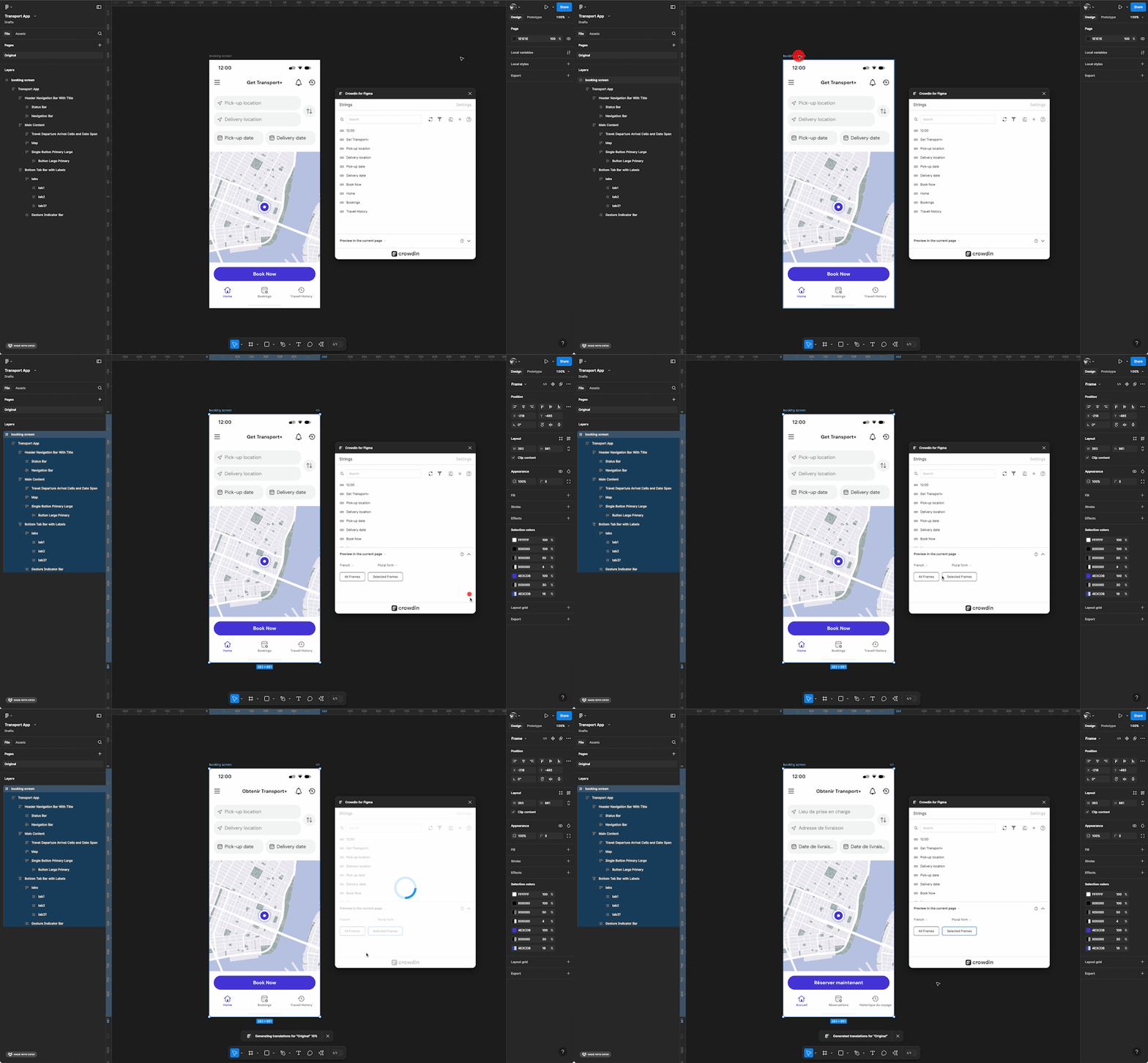
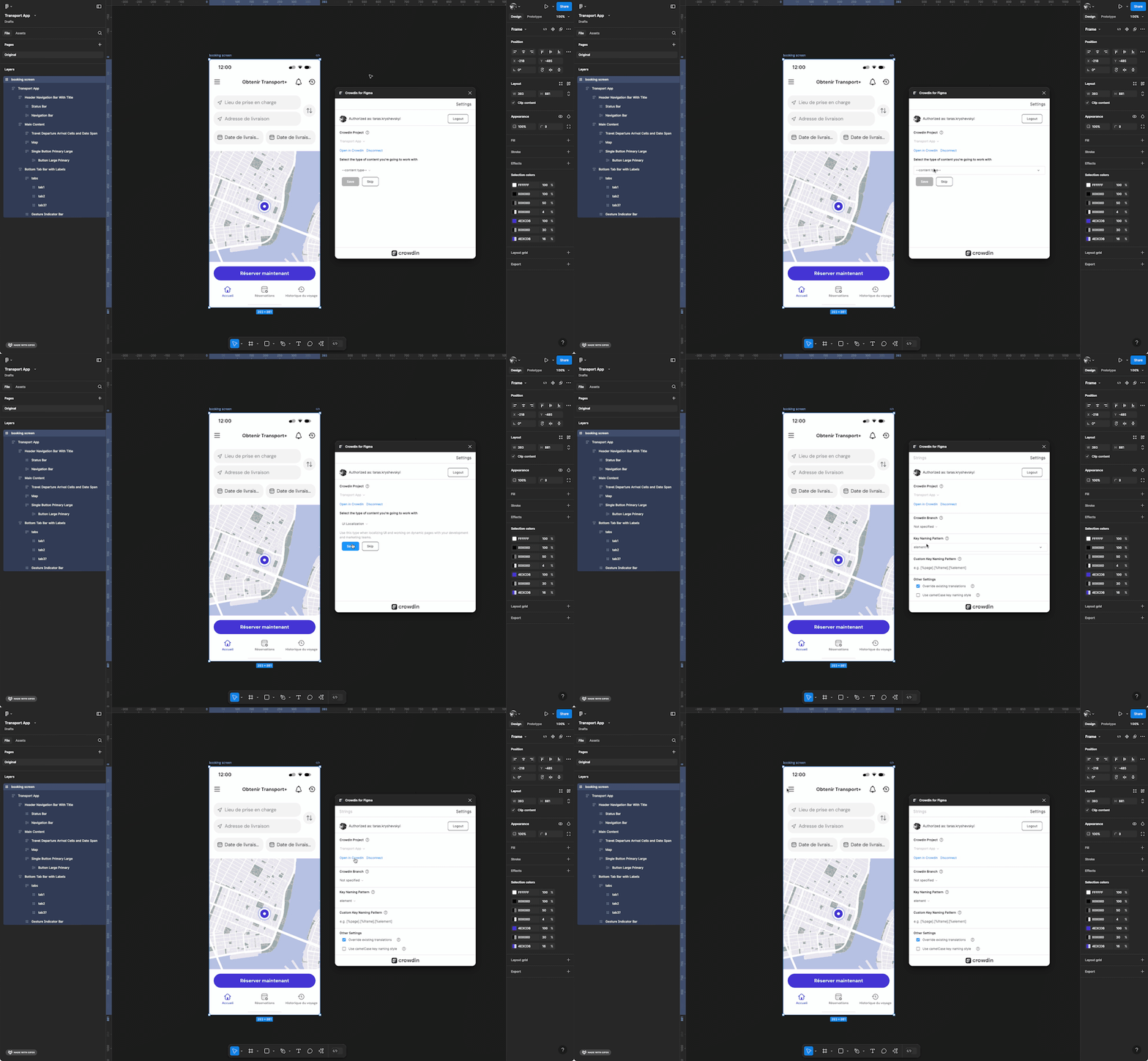
仕組みは?
世界中のデザイナーに支持されています
It's the best translation tool for us to localize our user interface with a global community of volunteers. Both volunteers and in-house proofreaders can interact on the same platform, ask questions and exchange opinions about the best possible translation. Crowdin also makes it very easy for new translators to join our project to empower people to fix their stuff and save money while keeping electronics out of landfills.

Sandra Hiller
Head of Translations
I was super impressed by the Crowdin in-context localization feature – I didn't even know that something like this would be possible, when I first started looking for TMS solutions for our company; but once I'd seen it, I knew that it was something that I definitely had to have.

Merit Burenkov
Localization Lead
After evaluating a lot of tools, we finally decided for crowdin because of the amazing in-context translation, which works well in our agile processes.

Felix Bauer
VP of Engineering
デザインをローカライズする準備はできましたか?
言語の壁で作業を遅らせないようにしましょう。Crowdin の Figma プラグインを使えば、ローカライズプロセスを効率化できます